
PVC card cropping software for your everyday shop work
When customers bring a batch of documents, opening each file, cropping both sides and saving the outputs one by one adds work before printing begins.
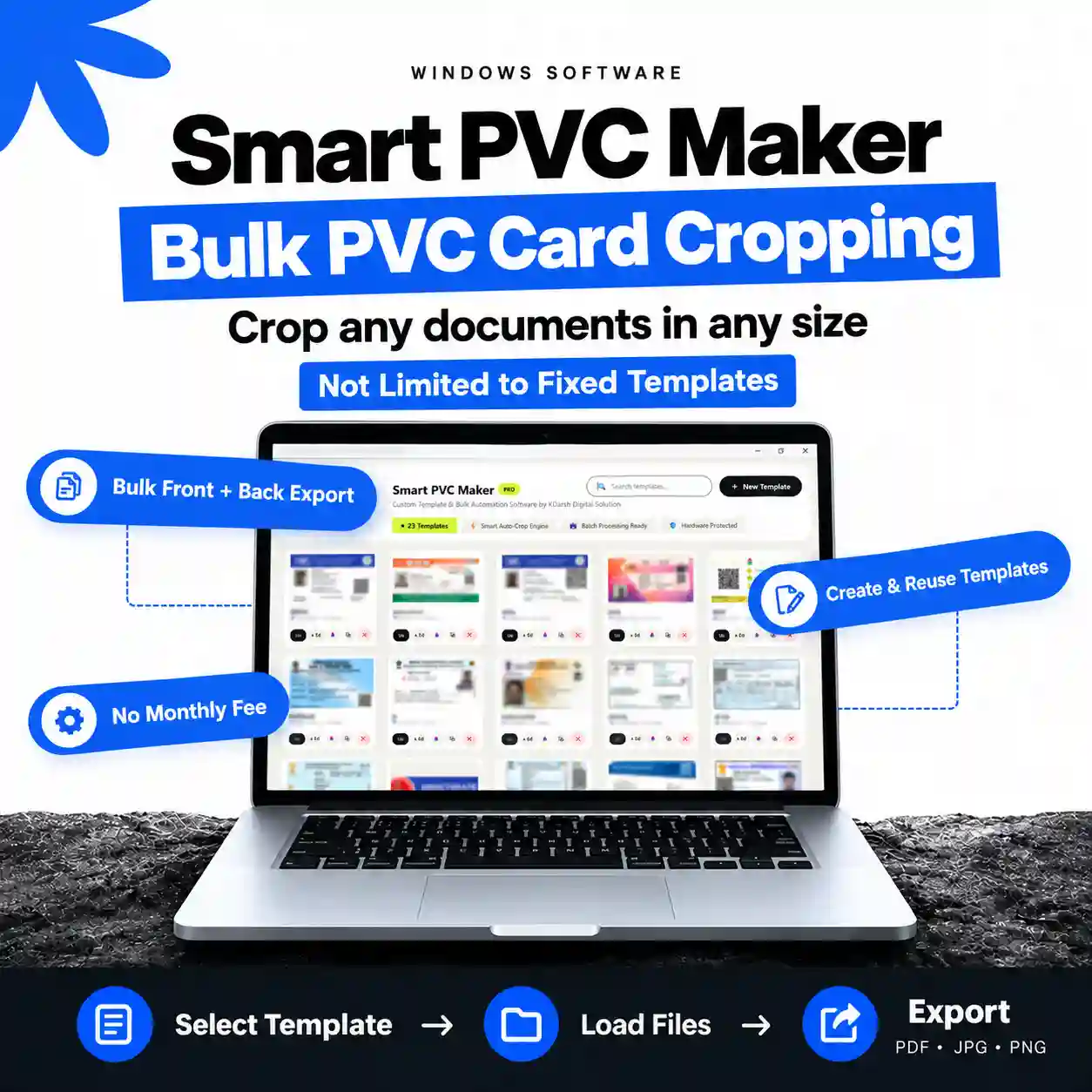
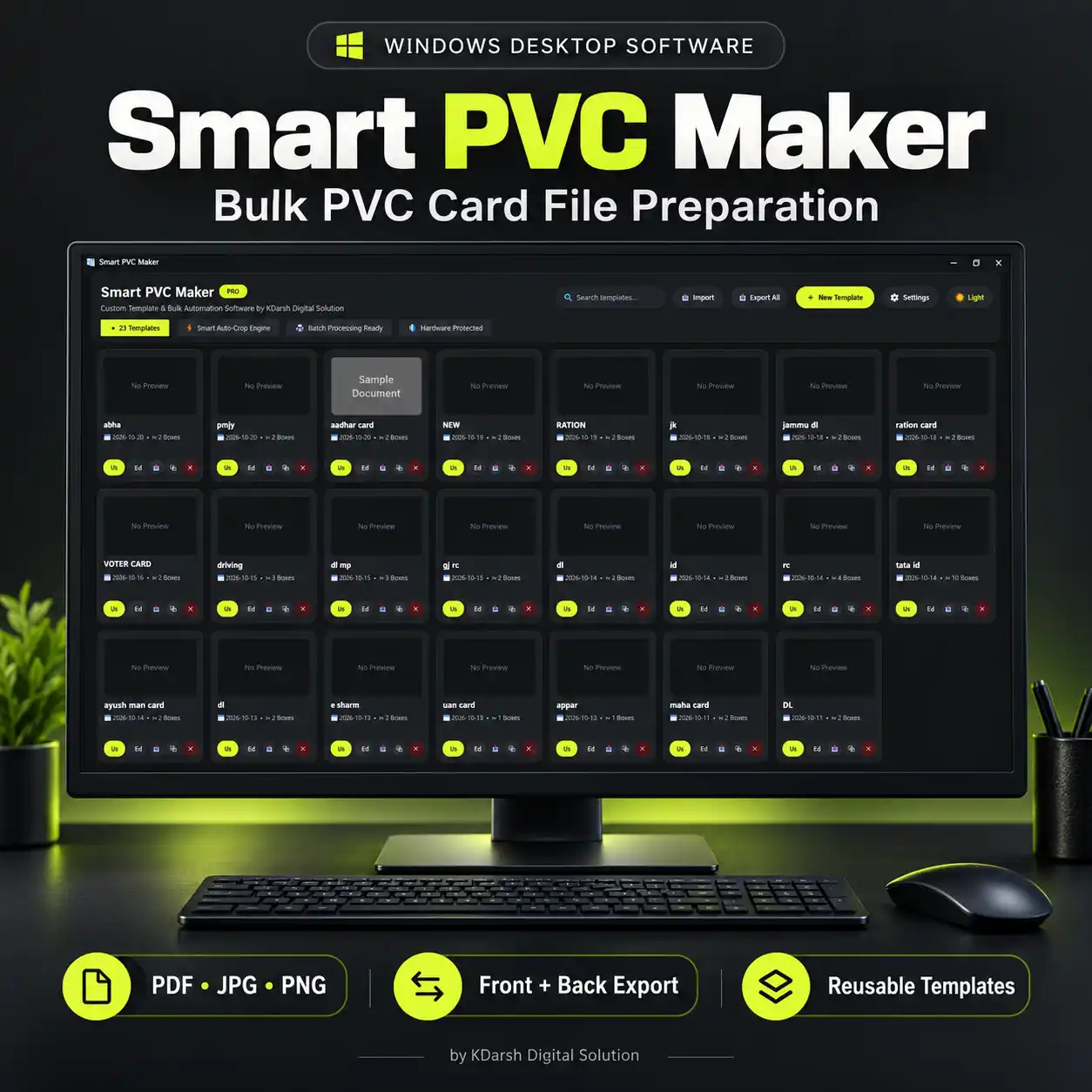
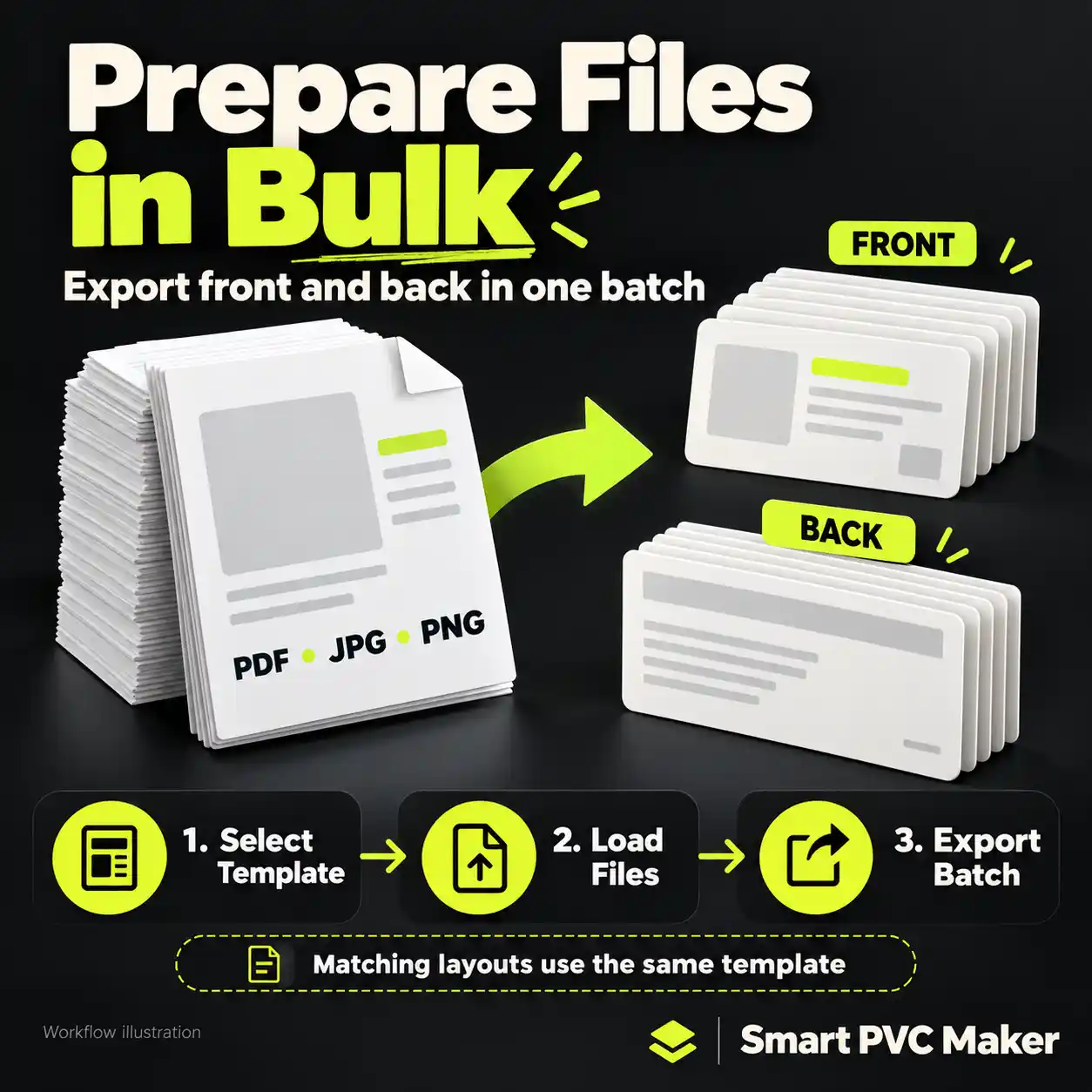
Smart PVC Maker helps you prepare those files using a repeatable workflow. Create a crop template for a document layout, load matching PDF, JPG or PNG files and export front and back outputs together. It is Windows desktop software for CSC centres, Grahak Seva Kendras, photocopy shops, cyber cafés and PVC card printing businesses.
Convert PDF and JPG documents into card-sized output
Choose the areas you need from your source documents and set the output size for your job. Use PDF files or JPG and PNG images as your input, check the crop preview and export the prepared files.
If you are looking for a PDF to PVC card converter, this is the file-preparation step: turning an existing document into card-sized images for your printing workflow. Open the exported files in your printing application to complete the print job.
Your layouts. Your crop templates.
Not limited to fixed templates.
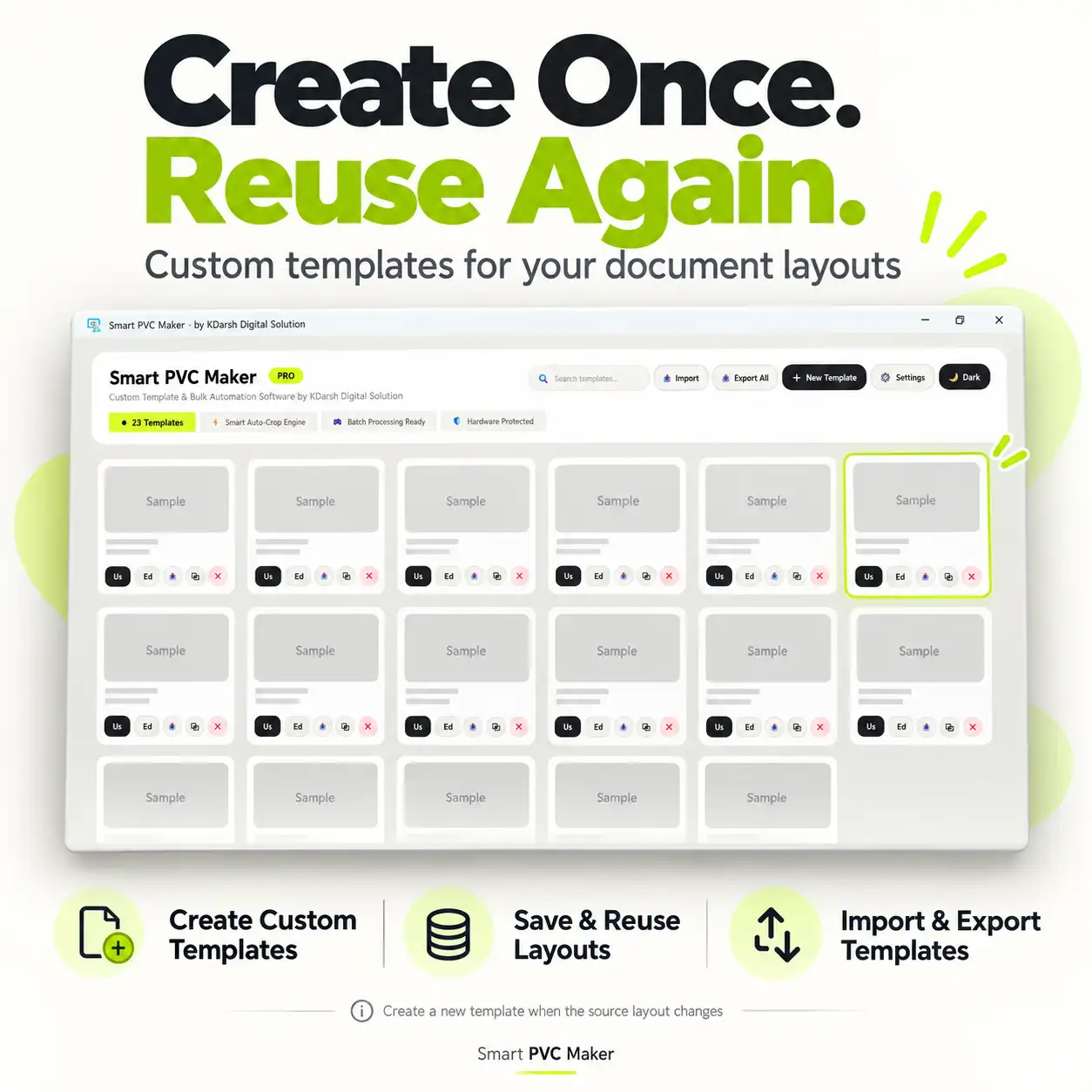
Create your own front and back crop regions instead of relying only on a preset document list. Save the template and reuse it whenever you receive documents with that layout.
A different layout needs a different or adjusted template. For a mixed batch, group documents by their source layout and apply the appropriate template to each group.
Bulk front and back export
Once the template is ready, use it across matching files in a batch. Prepare both sides together and save outputs with filename-based naming so each document’s front and back are easier to identify.
This template-based automation reduces repetitive crop-and-save work. It does not require you to recreate the same crop settings for every matching document. Processing time depends on your files, export settings and computer.
Control size, DPI and output naming
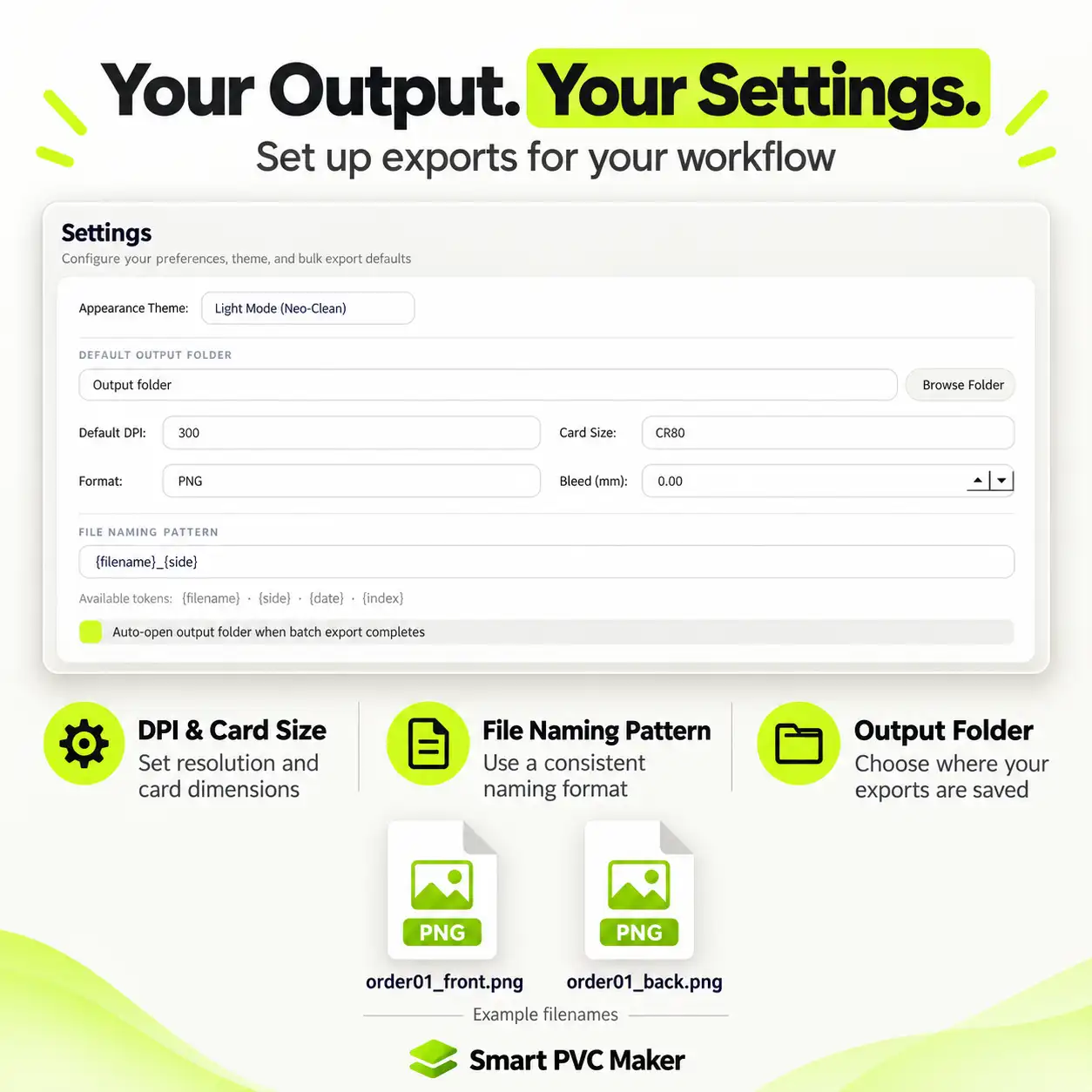
Set the card dimensions, DPI, bleed, output folder and filename pattern for the job. Keep those preferences organised so you can return to a familiar workflow for the next order.
The crop preview helps you check that the selected regions contain the information you need. Before printing a full batch, review your exported output in the printing application with the correct printer settings.
Keep a reusable template library
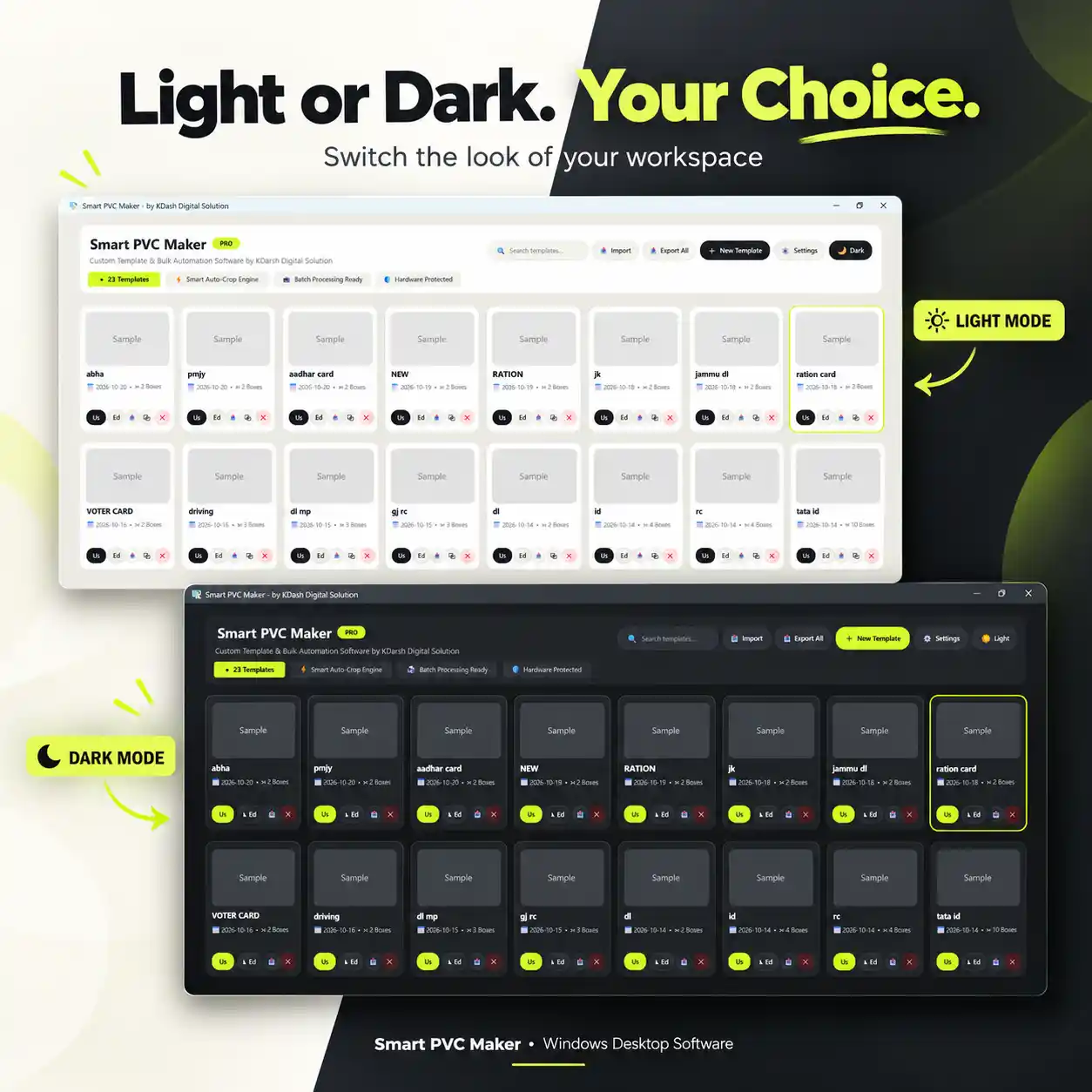
Save your commonly used templates for repeat work. Export them for backup and import saved templates when you need them again. When you encounter a new document layout, add a template for it to your library.
Offline processing with no monthly fee
Crop and export documents offline on your Windows computer. Smart PVC Maker is a paid product with a one-time payment and no monthly subscription fee.
Smart PVC Maker requires Windows 8 or later. Each licence includes one activation key for one PC. Activation is linked to that computer’s hardware ID, so the same key cannot activate the software on multiple PCs.
Once your purchase is successfully completed, your activation key is sent instantly to the email address provided at checkout. Use this key to activate the software on your PC. Document cropping and export work offline, with a one-time payment and no monthly subscription fee.
How it works
- Create or select a template. Define the crop regions and required output size.
- Load matching files. Add PDF, JPG or PNG documents and check the preview.
- Export front and back. Save the prepared files to your chosen folder.
- Continue to printing. Open the outputs in your usual printing application and apply the settings required by your printer and tray.
Is Smart PVC Maker right for your shop?
It is a useful fit if you regularly prepare existing documents, repeat the same crop layout across orders, or want to handle front and back files in batches. You can complete this crop-and-export workflow without manually repeating each matching file in Photoshop or CorelDRAW.
Smart PVC Maker prepares files for printing. It is not a printer driver, a browser-based crop tool or a complete ID-card design/database system.
Reviews
There are no reviews yet.