
Custom templates · Offline Windows software
Bulk PVC card cropping.
Front + back,
together.
Prepare matching PDF, JPG and PNG files without repeating every crop. Create your own template, choose your output size and export both sides in a batch with Smart PVC Maker for Windows.
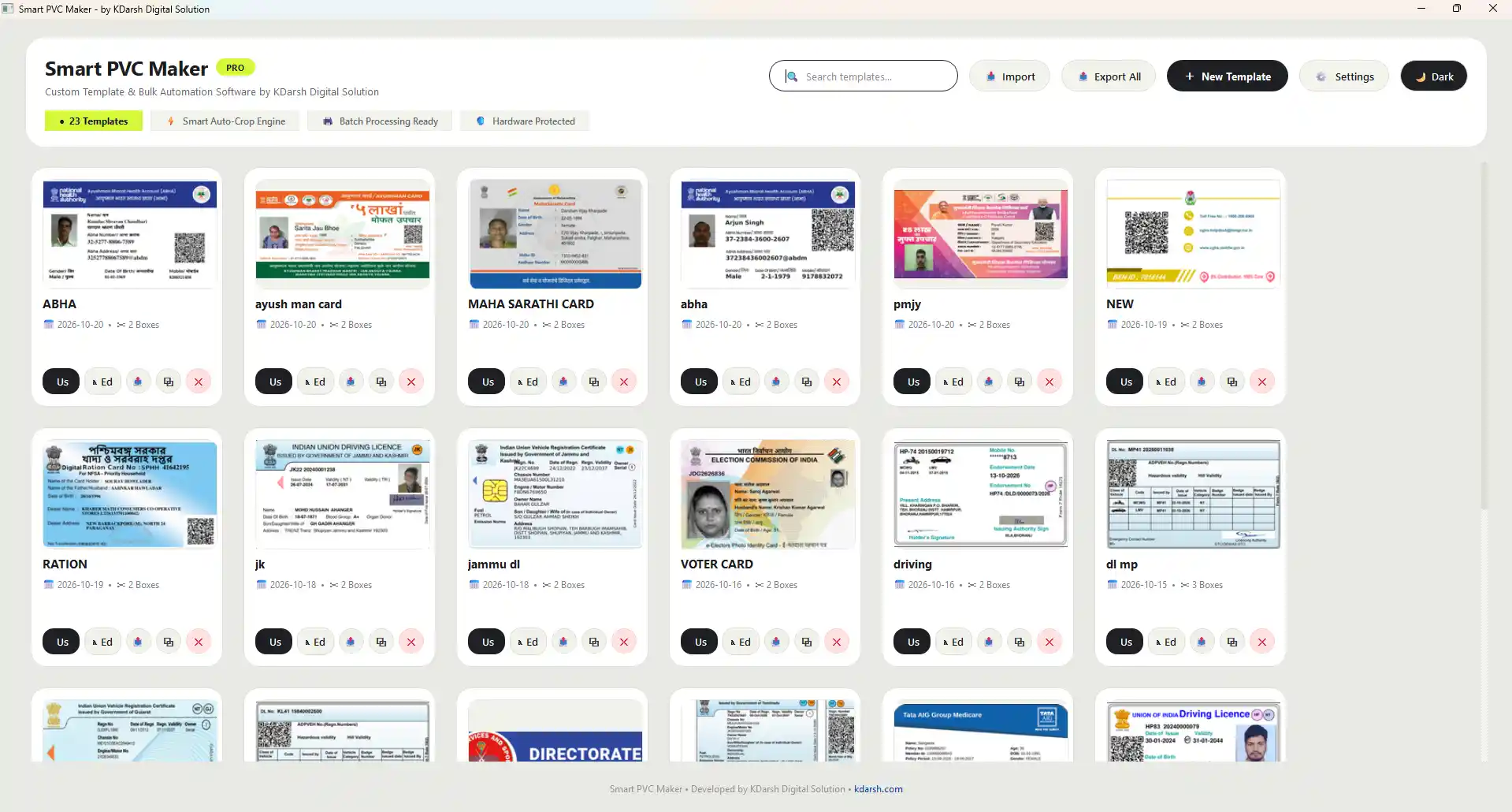
Smart PVC Maker for Windows · Custom templates for repeat document layouts.
See the complete process
From installation
to your first batch.
See the complete Hindi walkthrough: install the software, create a crop template, load matching documents and check the exported front and back files.
- Download and installation walkthrough
- Create and save a custom template
- Load files and export the batch
The tools behind an easier workday
One template.
Less repeated work.
One place to organise templates, prepare both sides and keep your exported files in order.
Your own templates
Choose the crop regions for your document layout. Create another template when a new layout arrives.
Not limited to fixed templatesPDF and image batches
Load a batch of files with matching layouts and use the saved template across them.
PDF · JPG · PNG inputFront + back export
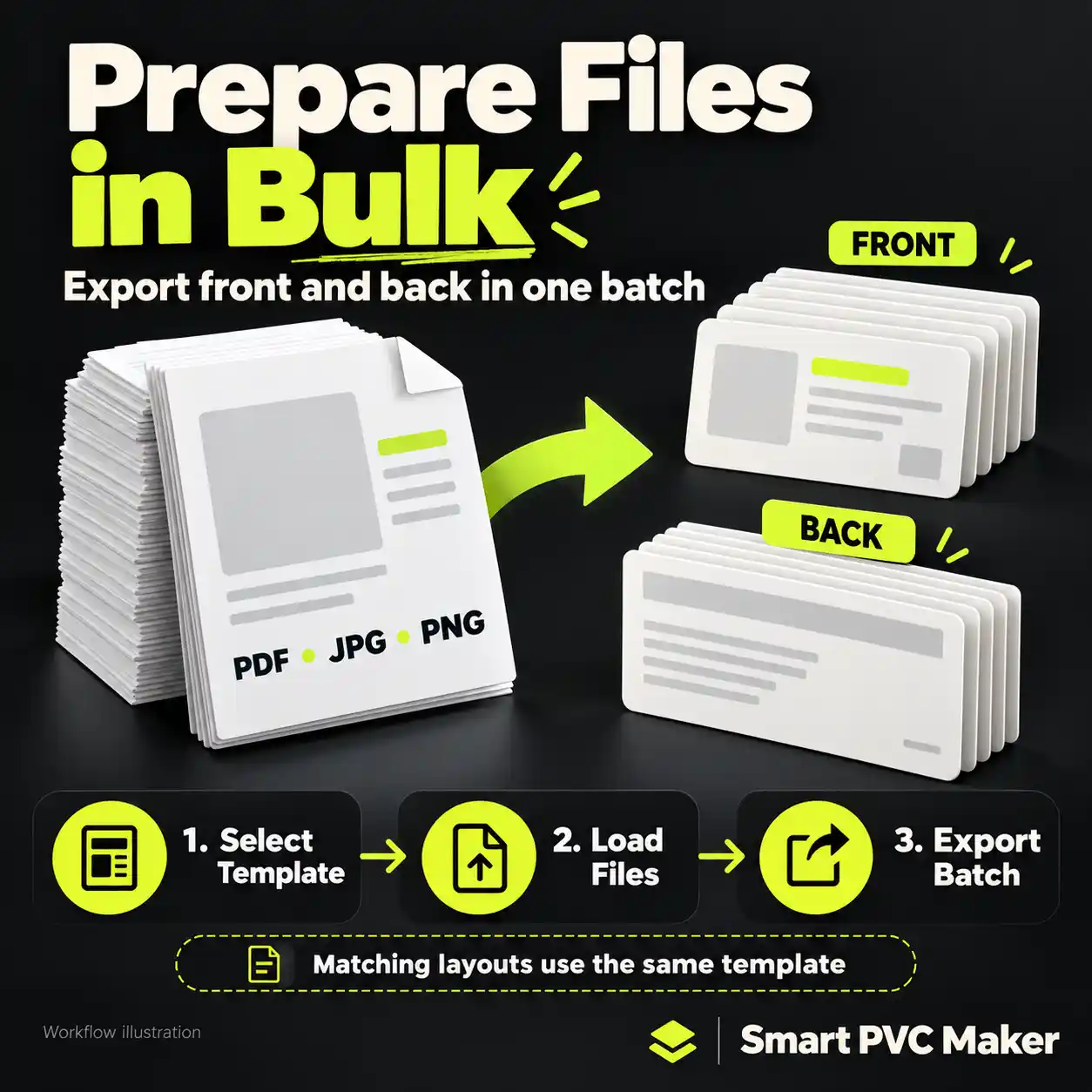
Prepare both sides together, with filenames that help you keep the outputs organised.
Both sides in one workflowSave it. Reuse it.
Keep your layouts ready for repeat work. Import and export templates when needed.
Reusable template libraryControl your output
Set DPI, card size, bleed, output folder and your file naming pattern in Settings.
Your export preferencesOffline. No monthly fee.
Crop and export offline on Windows. One-time payment, no monthly subscription. See the product page for licence details.
One-time purchase01 / Flexible by design
A new layout?
Create a new template.
Define the front and back crop regions in a supported PDF or image. Choose the size you need and save the template for the next matching order.
- Define the regions you need
- Reuse the layout for repeat orders
- Keep multiple templates organised
A saved template works with matching source layouts. Different layouts need separate templates.
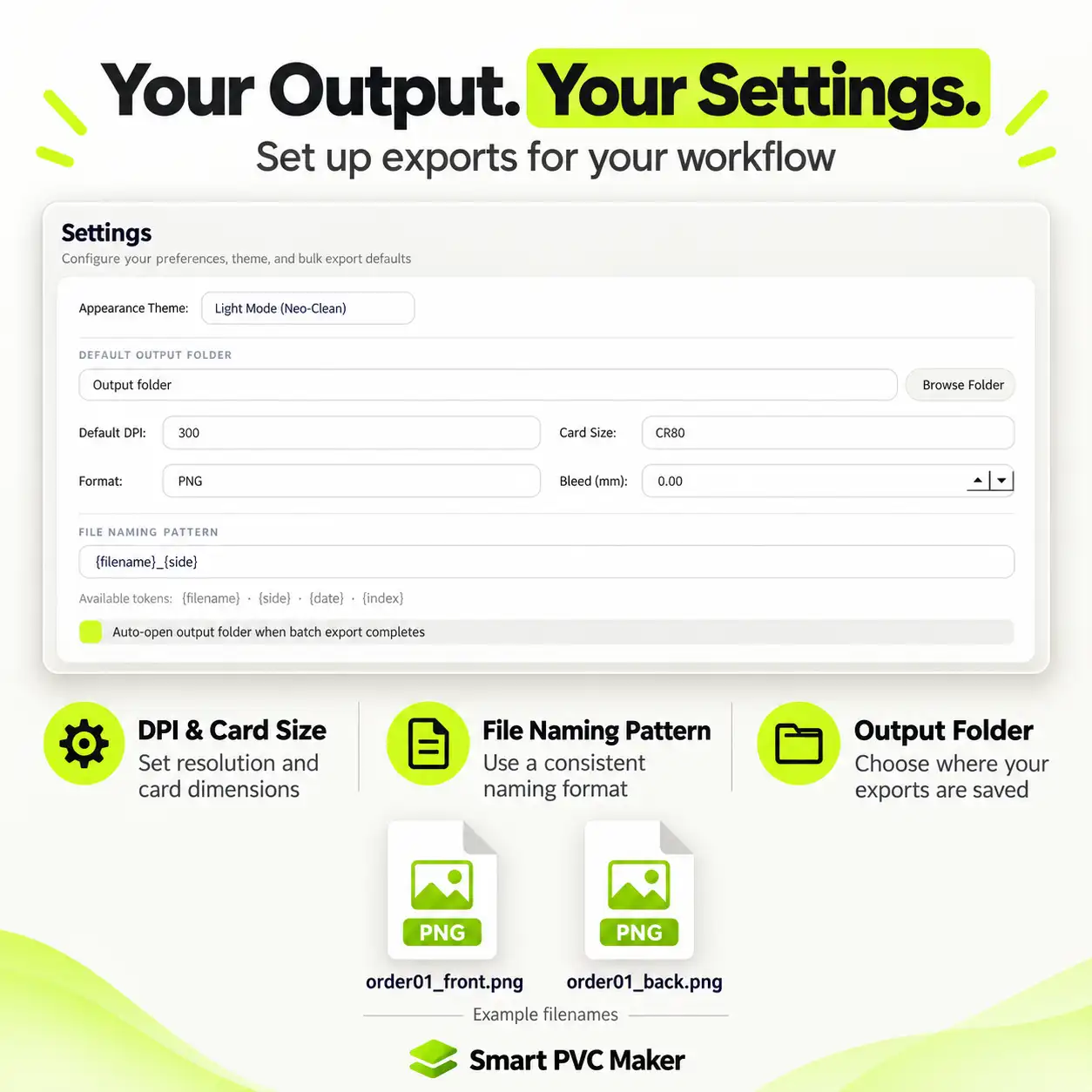
Illustrative output filenames
02 / Organised from the start
Card-sized output.
Organised filenames.
Choose dimensions, DPI, bleed, output folder and naming. Export the prepared files, then continue in the printing application you already use.
- DPI, card size and bleed settings
- Custom file naming pattern
- Your preferred output folder
Export files from Smart PVC Maker, then print using your existing printing software and printer settings.
A repeatable everyday workflow
Three steps.
One organised batch.
Once your template is ready, the next matching batch follows the same simple process.
Select a template
Pick the saved layout for your files. For a new layout, create and save a template first.
Load your files
Add the PDFs or images that match the template. Check your crop preview before export.
Export & prepare to print
Export front and back outputs to your chosen folder, then continue in your printing workflow.
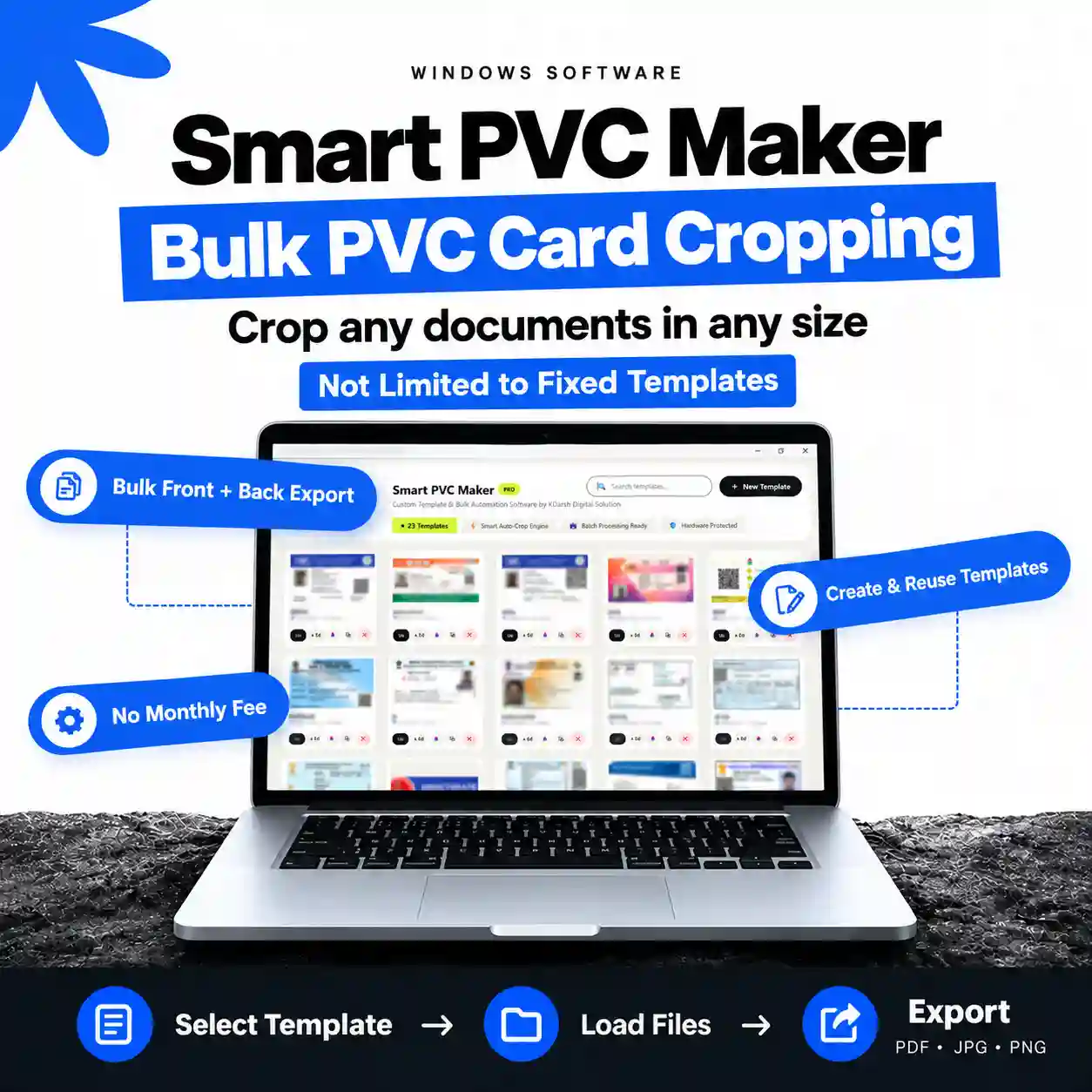
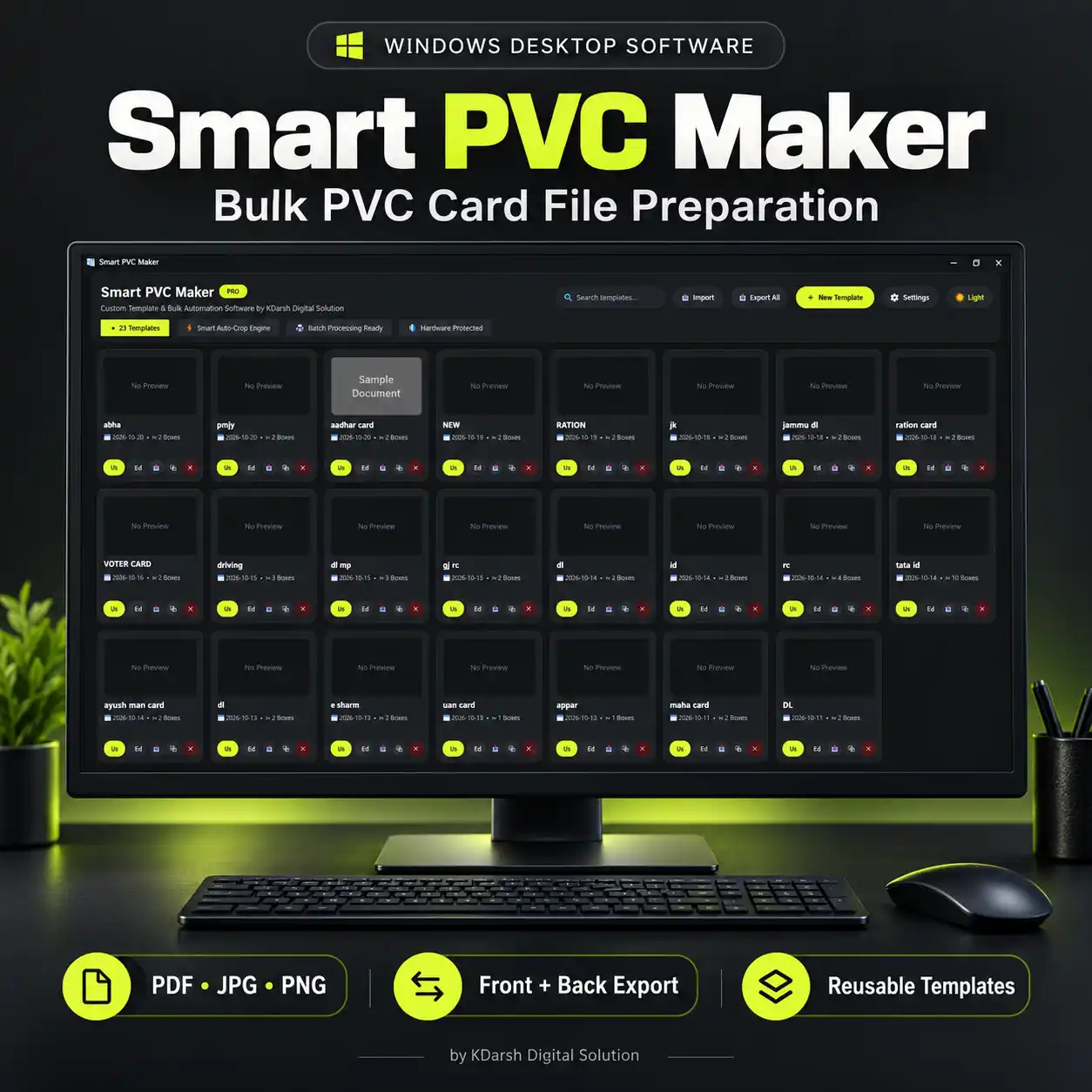
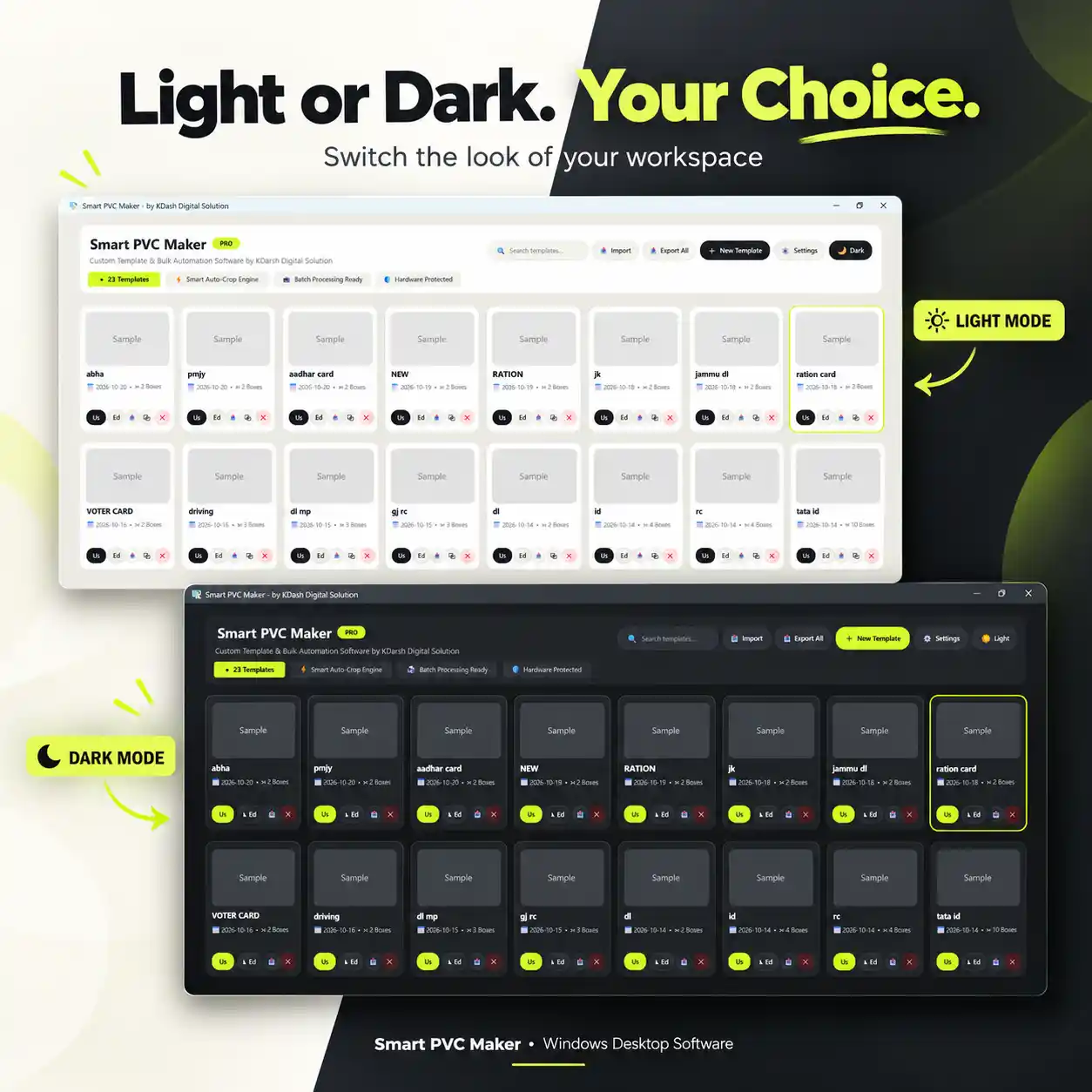
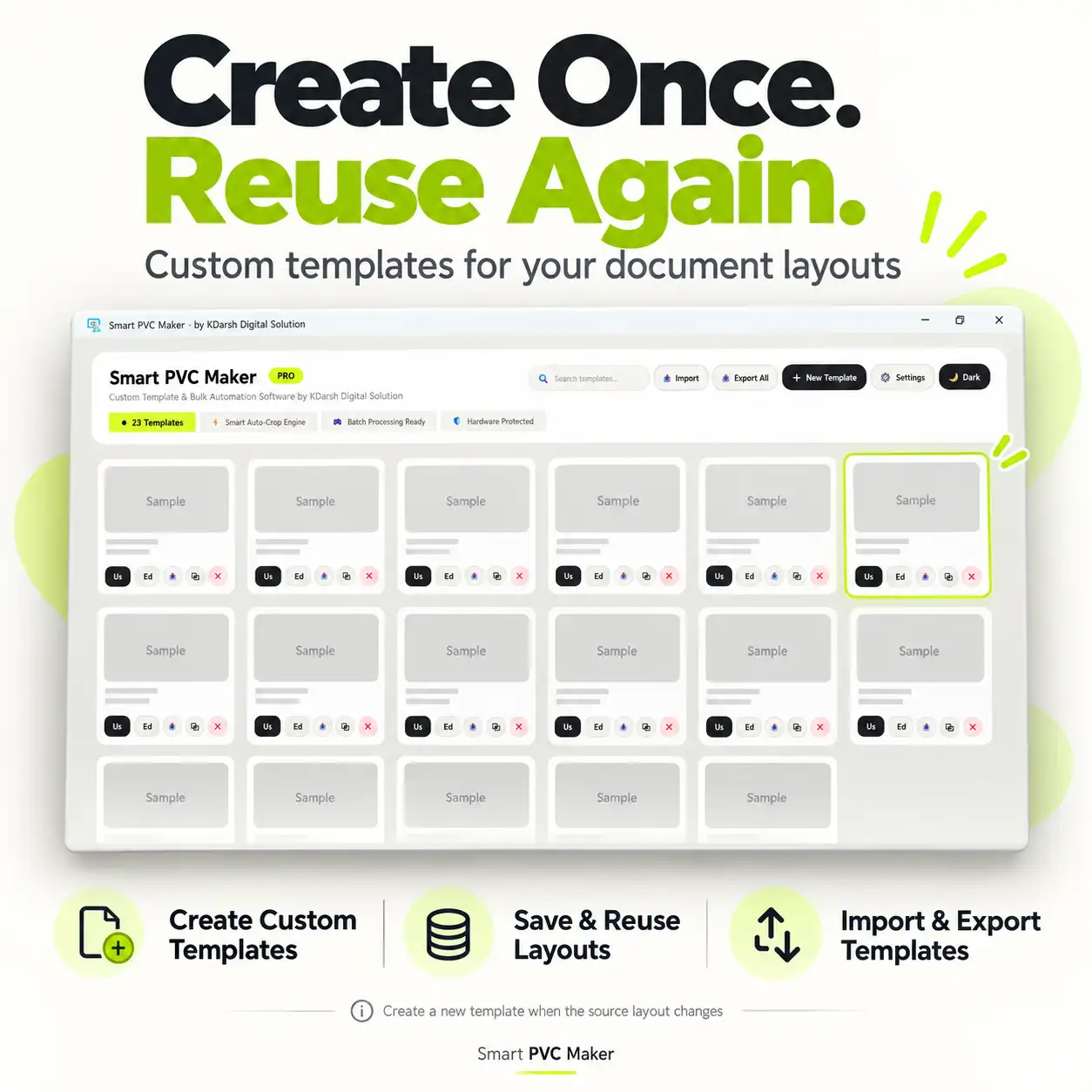
Built for the work before printing.
For CSC centres, Xerox shops and PVC card businesses that prepare existing customer documents. Crop and export on Windows; use your usual printing application for the physical print job.
Before your first batch
A few things
worth knowing.
Know what the software does, how templates work and what you need to get started.
View product detailsIs it limited to certain document types?
No fixed document list is required. You can create crop templates for your own layouts in supported PDF, JPG and PNG files. Set the crop regions and output size for your work.
Can I use one template for every layout?
Use a template for files with the same source layout and crop positions. When the layout changes, create or adjust a template for that layout.
Does it support bulk front and back export?
Yes. Load matching files and export the front and back selections as a batch. Your naming pattern helps keep the outputs organised.
Does it work offline?
Document cropping and export work offline on your Windows computer. Check the product page for activation and licence requirements.
Is this a free online PVC card crop tool?
No. Smart PVC Maker is paid Windows desktop software with a one-time payment and no monthly subscription fee. It is not a browser-based crop tool, and a free trial is not currently offered.
Does the software print directly?
It prepares and exports your files. Print those files using your usual printing software and the appropriate printer and tray settings.
Is this a monthly subscription?
No monthly fee is required. Check the product page for the purchase price, licence conditions and activation details before buying.
Can I use it on my phone or Mac?
This product is a Windows desktop application. The landing page can be viewed on your phone, but the software itself is intended for a Windows computer.
How do I learn the setup and workflow?
Watch the Hindi setup and demo above for installation, custom template creation and batch export. You can also open the tutorial on YouTube.
Ready to simplify
your next batch?
See the price, licence details and supported setup on the product page.