
What’s Included
| Item | Detail |
|---|---|
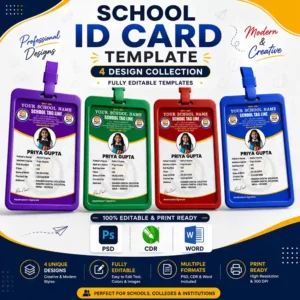
| PSD files | 3 files (1 per colour variant) — Adobe Photoshop |
| CDR files | 3 files (1 per colour variant) — CorelDraw |
| Word files | 3 files (1 per colour variant) — MS Word |
| Total files | 9 editable files |
| Card size | Standard ID card — 54 mm × 86 mm (CR80) |
| Resolution | 300 DPI, print-ready |
| Colour mode | CMYK (PSD/CDR) / RGB (Word) |
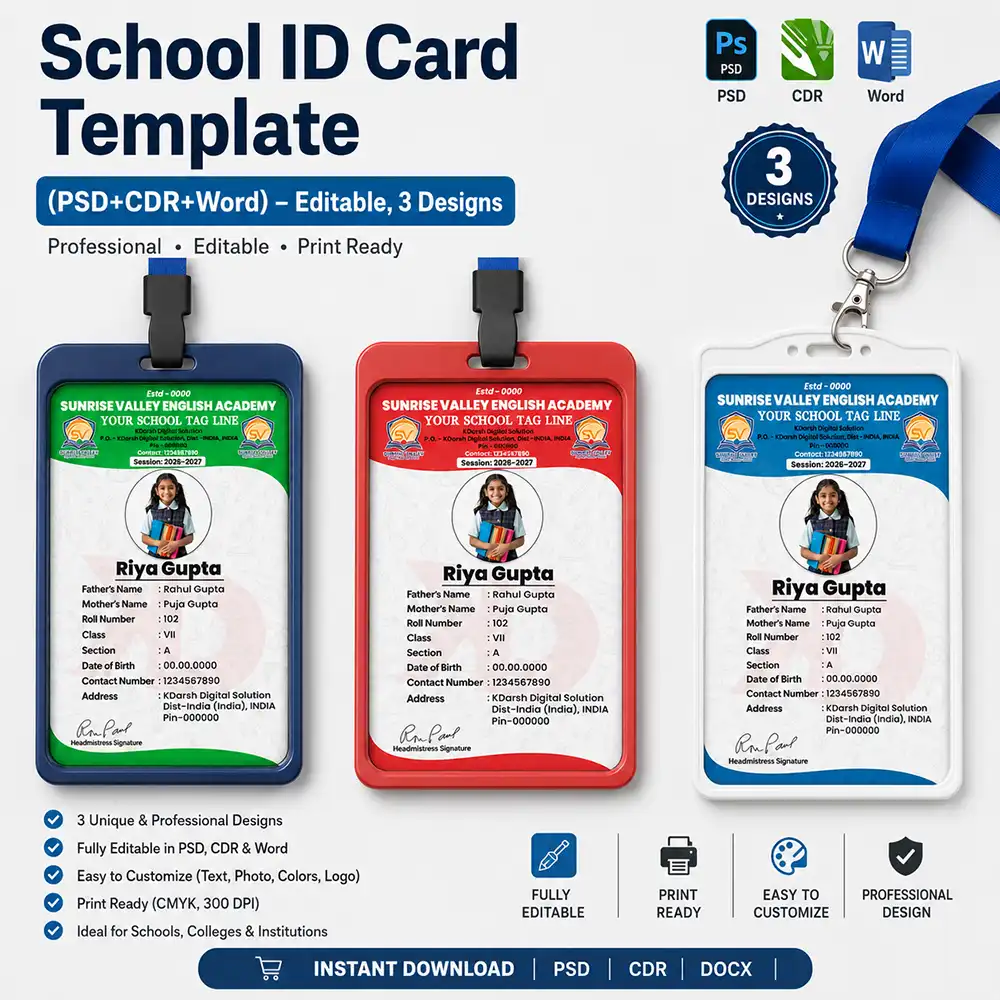
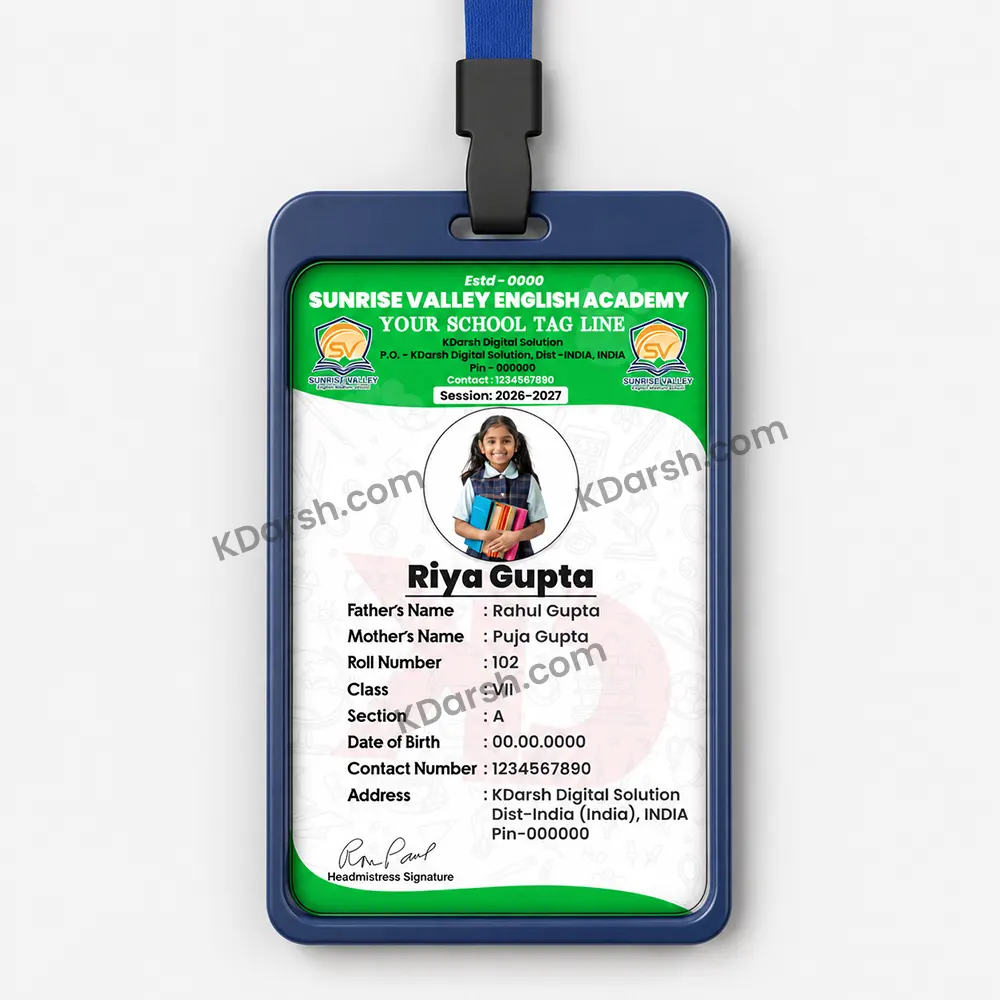
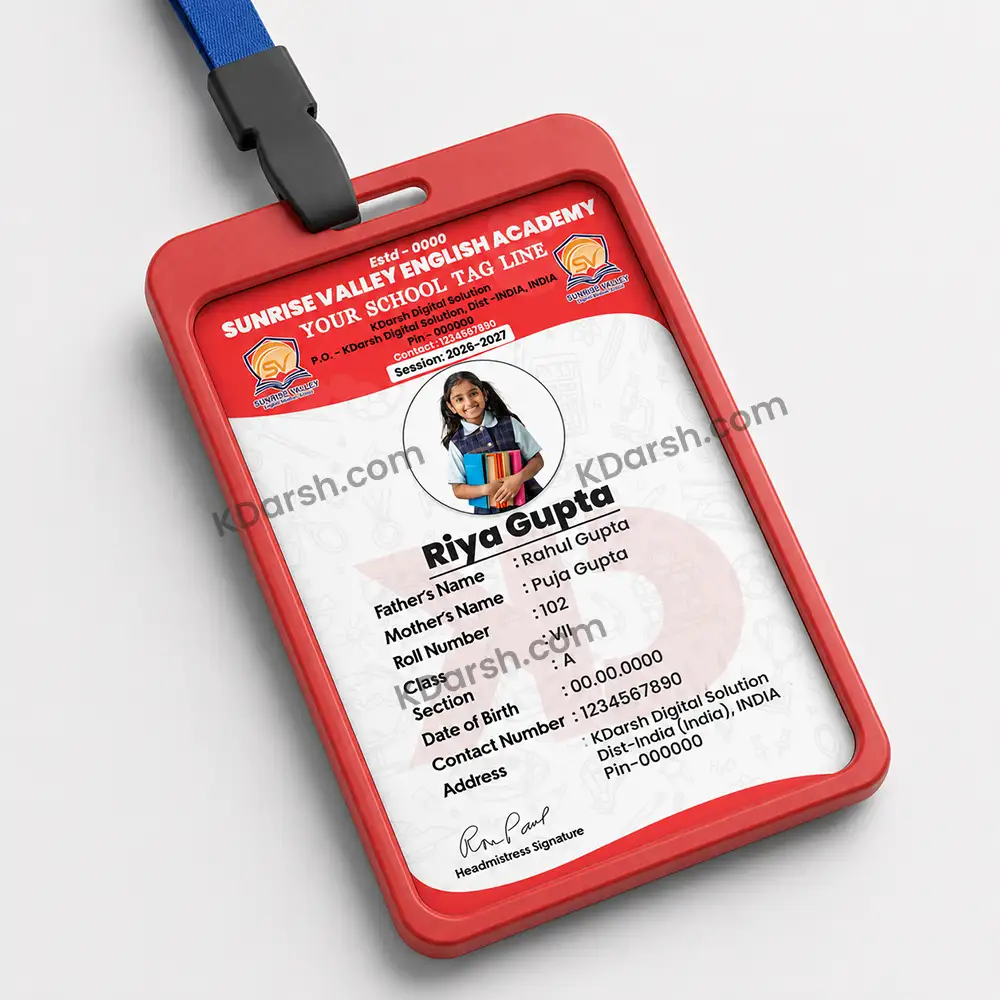
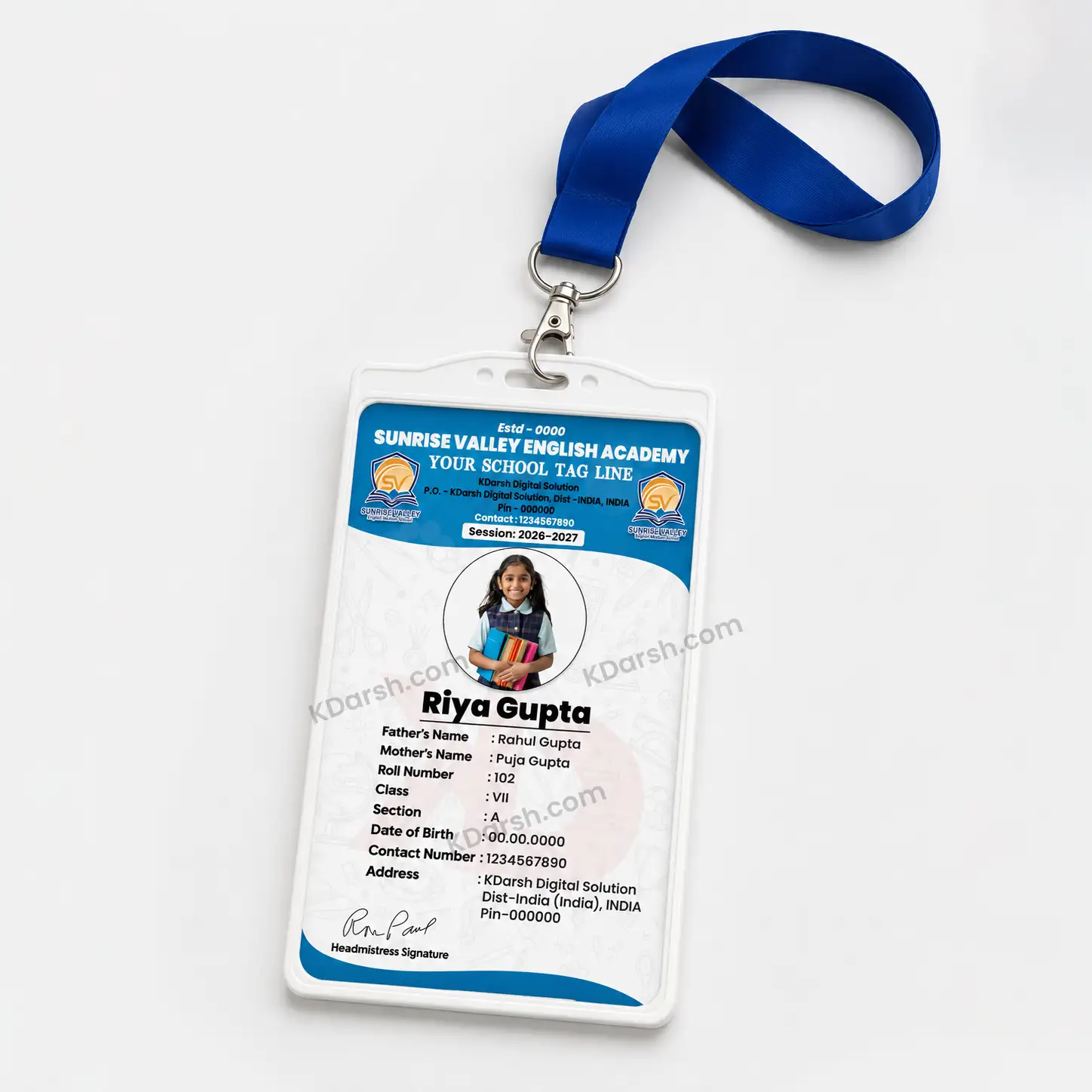
| Colour variants | Green, Red, Blue |
Fields on the card: School name, tagline, logo placeholder, establishment year, session year, address, contact number, student photo (circular), student name, father’s name, mother’s name, roll number, class, section, date of birth, contact number, student address, headmistress/principal signature.
Software needed:
- PSD → Adobe Photoshop CS6 or newer (or Photopea free online)
- CDR → CorelDraw X7 or newer
- Word → Microsoft Word 2016 or newer
Fonts used: Fonts are embedded / outlined. If any font is missing on your system, a font-links.txt file is included in the ZIP.
How to Edit
- Download and unzip the folder. You will find three sub-folders: /PSD, /CDR, /Word.
- Open the file for the colour you want (green, red, or blue) in the relevant software.
- Replace the placeholder school name, logo, address, and session year with your school’s details.
- For individual student cards: update the photo, student name, and the remaining fields.
- Save and export as PDF or JPG, then send to your local printer or print shop.
Tip: CorelDraw and Photoshop versions are best for bulk printing (CMYK, 300 DPI). Use the Word version if you only need a quick few cards and don’t have design software.
Who Is This For
✔ School office staff who need to print ID cards quickly without a designer ✔ Computer centre operators making cards for local schools ✔ Printing shops that want a ready template to offer clients
Not recommended if: ✘ You need a completely custom design from scratch (contact us on WhatsApp for custom work) ✘ You need more than 3 colour variants — consider our bundle (coming soon) ✘ You don’t have Photoshop, CorelDraw, or MS Word installed (the Word version works, but formatting results may vary on older versions)
Reviews
There are no reviews yet.